Skip to content
KindFable
Shop booksPricingBlogFAQAbout
Get started
Shop booksPricingBlogFAQAbout
  1. All articles
  2. /
  3. How it works
How it works

How to Turn Your Photos Into a Personalized Children's Book

A step-by-step guide to making a fully illustrated storybook where your child is the hero — from choosing the right photo to holding the printed book.

KindFable·Jul 25, 2026·Updated Aug 17, 2026·4 min read
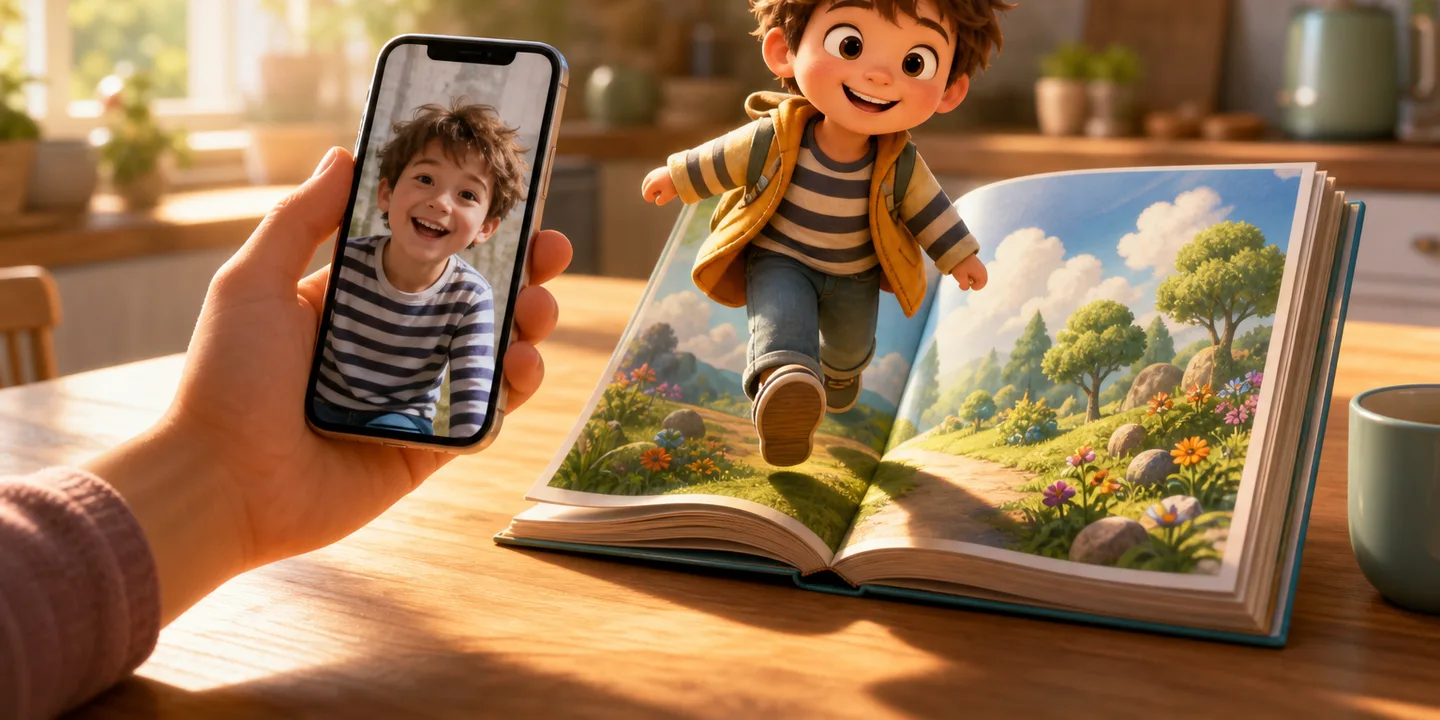
A parent's phone showing a snapshot of a smiling child on a sunlit kitchen table, and beside it the same child drawn as a cartoon storybook hero stepping out of an open picture book
Painted for this article by the same engine that illustrates your child’s book.

The short answer

  • One clear, front-facing photo is enough — a bright phone snapshot beats a group shot every time.
  • The photo becomes a cartoon master avatar and a character sheet, and every page is illustrated from those, which is what keeps the hero looking like the same child from the cover to the last spread.
  • KindFable never saves your original photo — only the avatar drawn from it; the photo is sent to our AI provider in the United States to be checked and drawn, under that provider's own terms.
  • You see your child painted on the cover free before paying anything, and you confirm the finished book before it goes to print.
In this article▾
  1. Step 1 — pick a good photo
  2. Step 2 — tell the story seed
  3. Step 3 — the avatar, and what happens to your photo
  4. Step 4 — meet your child on the cover, free
  5. Step 5 — choose how to keep it
  6. A few tips from books that turned out brilliantly

A personalized children's book used to mean a template: the same pictures every family gets, with your child's name dropped into the gaps. That has changed. Today you can add a photo and get a complete, professionally illustrated storybook in which the child on every page actually looks like your child — same face, same hair, same little grin, from the cover to the last spread.

Here is exactly how it works on KindFable, and how to get the best possible book out of a photo and a line about what actually happened.

Step 1 — pick a good photo#

You only need one, and it does not need to be professional. A phone snapshot is perfect if:

  • your child's face is clearly visible — front-on or close to it, eyes open;
  • the photo is reasonably bright — daylight beats a dim living room;
  • nothing covers the face — no sunglasses, no ski goggles, no superhero mask (yet — the costume comes later, in the illustrations).

Group shots work less well, simply because the system has to guess which child the book is about. One child, one clear face, and you are set.

Step 2 — tell the story seed#

You will be asked for a few small things: your child's name and age, a couple of interests (dinosaurs, space, ballet, diggers), and — if you like — a short note about something that really happened this week. That note matters more than it looks: it becomes the emotional spine of the story, so "she was nervous about her first swimming lesson but jumped in anyway" produces a much more personal book than no note at all.

You can also add up to three companions — a parent, a grandparent, a pet, a favourite toy, or an imaginary friend — and they stay visually consistent through the book too.

See your child as the hero

Add one photo, tell us what the story should be about, and look at the painted cover. That part is free — decide about the book after.

See it free first

Step 3 — the avatar, and what happens to your photo#

From your photo, KindFable builds a cartoon master avatar of your child, then a full character sheet of poses, and every page of the book is illustrated from those references. That reference chain is what keeps the hero looking identical on every page — the weak point of most AI-generated books.

One thing worth knowing as a parent: we never save the original photo — not to our storage, our database or our logs, and we keep no face template and run no face matching. The book keeps the cartoon character. What we will not pretend is that the photo never leaves: it is sent to our AI provider in the United States to be checked and drawn, and that provider handles it under its own terms. The full detail is on our privacy page.

Step 4 — meet your child on the cover, free#

Within a few minutes you will see the painted cover of your child's own book — and that is deliberate, because the cover is where the likeness either convinces you or doesn't. A personalized book is only worth buying after you have seen your own child in it. No card is needed to get this far.

Once you go ahead, the rest of the book paints itself the same day: wide, cinematic scenes with the story text set into them, across a 32-page picture book.

Step 5 — choose how to keep it#

  • Softcover — from $39 — the full digital book plus a printed 8.5 × 8.5 inch square copy shipped to your door.
  • Hardcover — $69, free shipping — the premium version of the same, and it includes a free narrated audio story of the book. (The story's own song is free with every book.)
  • Either way you also get the digital book to read online and download as a PDF, and you confirm the final book before anything is printed.

A few tips from books that turned out brilliantly#

  1. Use the real week. Books built on an actual small moment — a lost tooth, a thunderstorm, a new bicycle — read like family history, not like content.
  2. Let your child pick the art style. Watching a four-year-old choose between watercolour and claymation is half the fun.
  3. Read it together the first time. The moment a child recognises themselves on a cover is genuinely something — keep it for bedtime, not the car.

Ready to try it? Start with a photo and a moment — the preview is free, and the first reveal takes minutes. Or read complete sample books first to see real output. And if you're wondering whether seeing themselves on the page does anything beyond the smile, the brain-science case for personalized books walks through the studies. Comparing tools before you commit? The best AI childrens book generators, honestly compared puts every option side by side with real prices.

For the finished object this produces — and how to tell a painted-from-a-photo book from a name-swapped one — see a personalized picture book with your child painted in. If you would rather skip the explanation and just look at what it costs and what arrives, the short version lives on our page for a personalized children's book with a photo.

About the examples here. The children, photographs and stories in our articles are samples, made by us to show what KindFable produces. Even the “uploaded photo” is AI-generated — it is not a picture of a real child, and no real child appears on this site. We never save a customer’s photo — there is no copy of one to publish here, and no route that would put it here. The books, the narration and the songs are genuine and unretouched, made exactly the way your own book would be.

Questions people ask about this

What kind of photo works best?
One child, face clearly visible and front-on, eyes open, in decent daylight. A phone snapshot is perfect. Group shots work less well, simply because the system has to guess which child the book is about.
Is my child's photo stored?
KindFable never saves it — not to our storage, our database or our logs — and we keep no face template and run no face matching. Only the cartoon character is kept. The photo is sent to our AI provider in the United States — the one that writes and illustrates the book — to be checked and drawn; that provider handles it under its own terms, which allow it to hold API inputs briefly for abuse monitoring, and we do not claim a zero-retention agreement we have not signed.
How long does it take?
The painted cover appears within a few minutes, and the full book renders as roughly fourteen wide illustrated scenes shortly after. The digital book is same-day; a printed copy needs shipping time on top.
What does it cost?
Building the story and seeing your child's painted cover is free. Softcover starts at $39 and hardcover is $69, which includes a free narrated audio story of the book.
  • #turn photo into children's book
  • #personalized children's book from photo
  • #custom storybook
  • #AI children's book
  • #personalized picture book
  • #picture book personalized
  • #personalized book with picture
  • #personalized story book with photo
Share this guide

Written by the KindFable team. Every example here is a book we actually made.

Previous articleWhy a Personalized Book Is the Birthday Gift a Child Actually KeepsNext articleWhen You Can't Read Aloud Tonight — the Book as an Audio Story

In this article

  1. Step 1 — pick a good photo
  2. Step 2 — tell the story seed
  3. Step 3 — the avatar, and what happens to your photo
  4. Step 4 — meet your child on the cover, free
  5. Step 5 — choose how to keep it
  6. A few tips from books that turned out brilliantly

See your child as the hero

Build the story and see your child’s painted cover, free. Decide about the book after that.

Start free

Read next

  • A young boy in a red hockey jersey with his arms raised on an ice rink, from the cover of a personalised storybook
    Storycraft

    Personalized Children's Book With Photo: A Full Case Study

    How one photo and six typed sentences became a 13-spread personalized children's book with a narration and its own song, in 4 minutes 32 seconds. Read it free.

    Jul 30, 20267 min read

    Read →
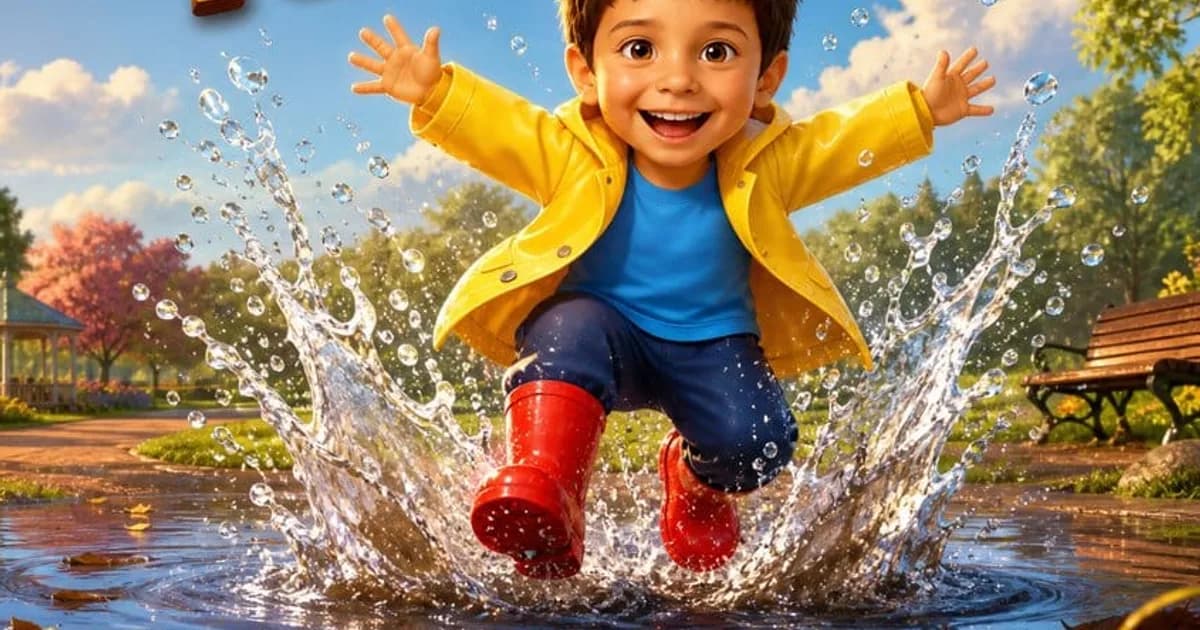
  • A grinning boy in a yellow raincoat and red rubber boots leaping into a huge puddle, water flying everywhere, on the cover of a personalized children's book
    How it works

    Personalized Children's Book From One Photo: A Real Example

    What a personalized children's book made from one photo and four sentences actually looks like — a rainy morning, red boots, the biggest puddle, and a six-year-old who is the hero of every page. Read it free.

    Aug 16, 20268 min read

    Read →
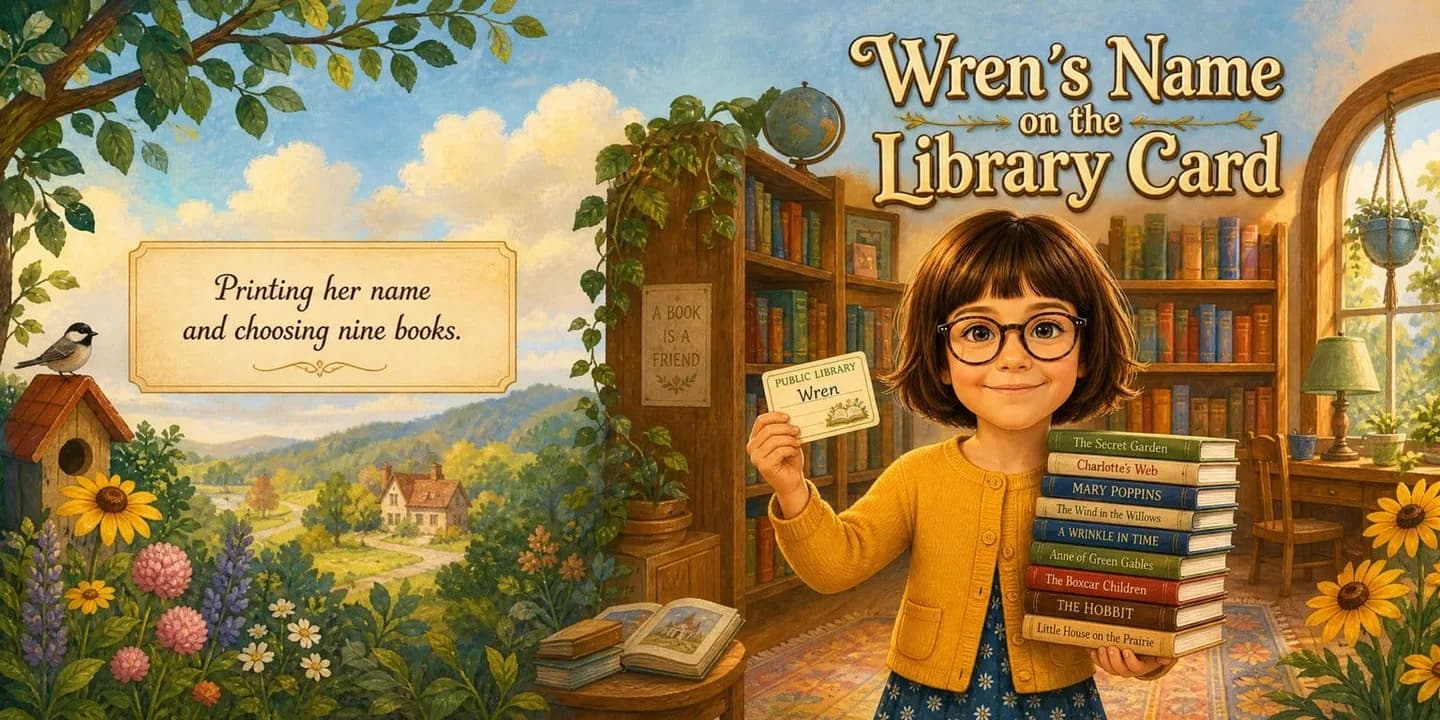
  • A girl in round glasses and a mustard cardigan holding a library card beside a stack of nine classic books, on the cover of a personalised storybook
    Storycraft

    Book Where My Child Is the Main Character: A Real One

    What a book where your child is the main character actually looks like — built from three typed sentences about a first library card. Read the whole book free.

    Aug 2, 20268 min read

    Read →

AI-powered

Turn tonight's bedtime story into a real book

Add a photo and tell us what the story should be about — the swimming lesson, the new puppy, the tale you invented at bedtime. We'll write and paint it, with everyone who belongs in it.

Start your story Or pick a ready-made book
  • Listen as an audiobook
  • Or a song from the story

Free to start · we never save your photo, only the drawing.

KindFable

Personalized children’s storybooks starring your child, made from your photos.

Explore

  • Pricing
  • Personalized story books
  • Personalized book with photo
  • Blog
  • All articles
  • About

Reading guides

  • Best children's books
  • Bedtime stories for kids
  • Personalized audiobook for kids
  • Personalized storybook

Support

  • FAQ
  • Shipping
  • Refund policy

Legal

  • Terms
  • Privacy
  • Your privacy choices

Story ideas, once a month — and $5 off your first book

One email a month, unsubscribe in one click.

© 2026 KindFable · Coquitlam, British Columbia, Canada

support@kindfable.com